How it went on a one-page letter
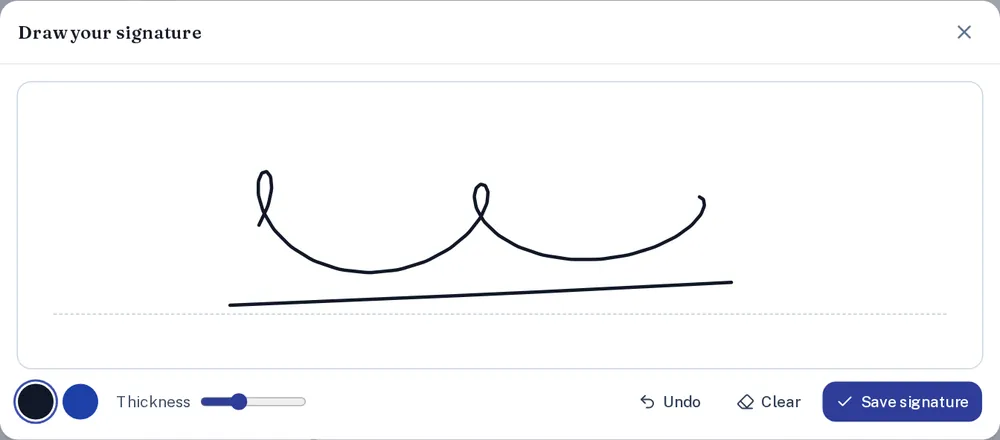
We used a short authorisation letter with a signature line under the date. After choosing the file, the pad opened by itself; there is nothing else to click first. You can sign in black or blue and make the line thicker. Undo removes the last stroke, so a wobbly ending does not mean starting again.
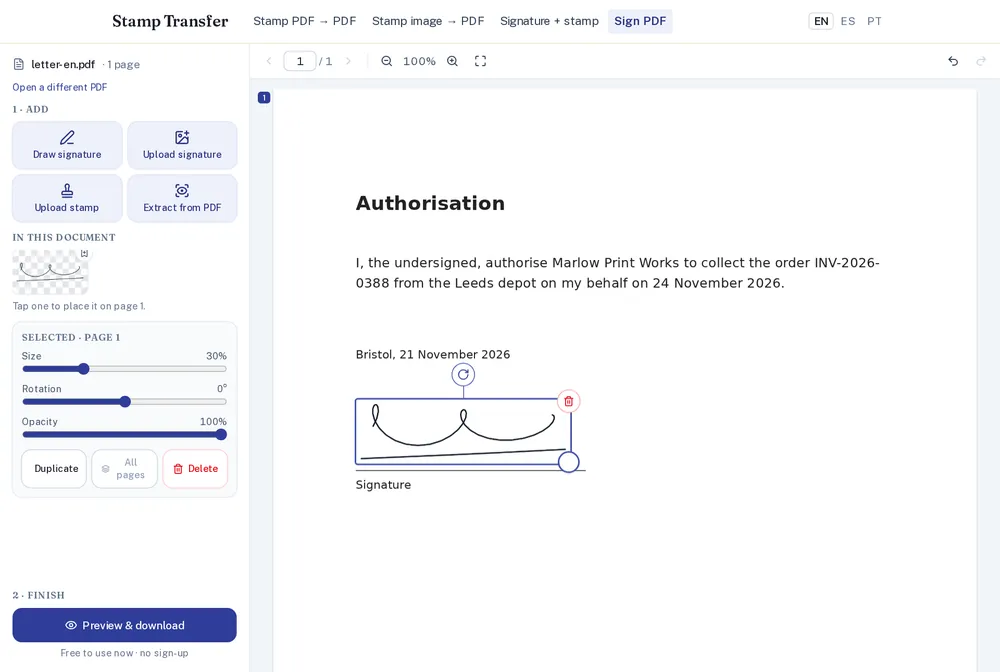
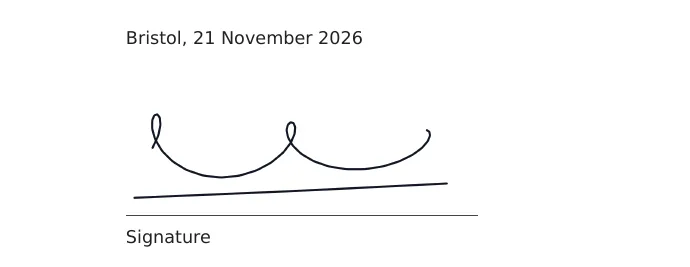
The signature first appears in the middle of the page you are looking at. Drag it onto the line, and pull a corner to resize it if it came out too big. Ours was 63 mm wide, which is about right for a letter.
On a phone
We ran the same steps on a phone-sized screen (390 px wide): open the PDF, sign with a finger, move, download. It works, but turn the phone sideways for the pad if you have a long signature.
Need a stamp too?
In the editor, Upload stamp adds a stamp image to the same PDF. If the stamp is on a scanned document, use stamp PDF to PDF instead, so it keeps its real size.